Select Maintain Forms & Documents from the Resources menu to upload forms and other documents to your website.
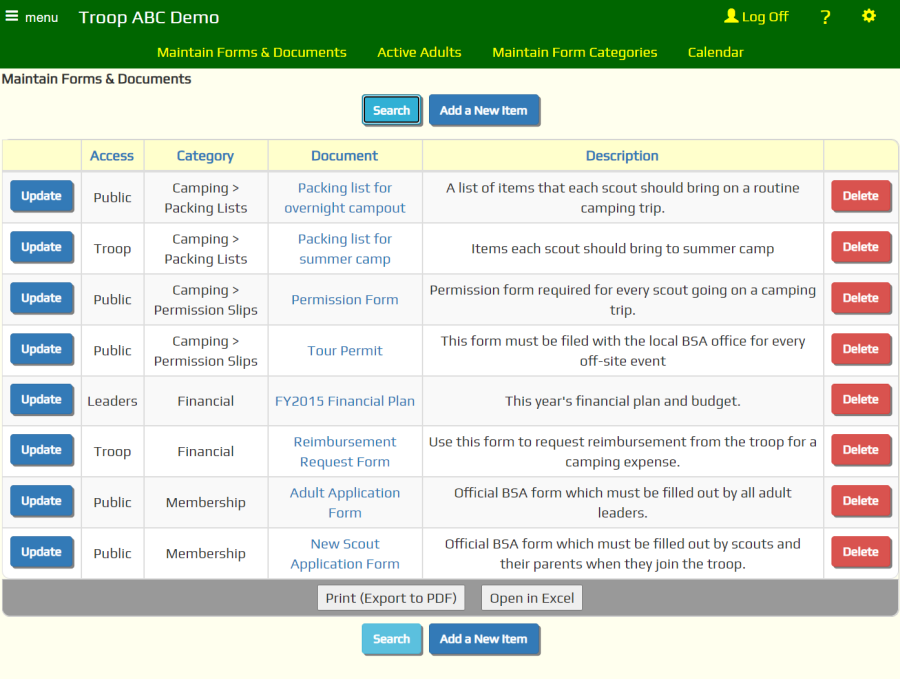
Click Add a New Item to add a form.
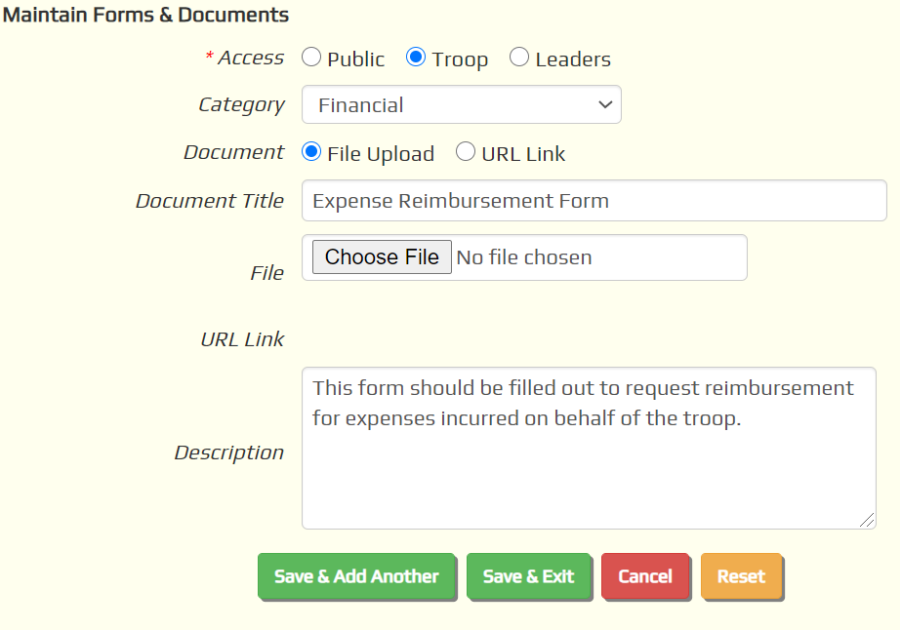
The choices for Access are:
- Public - available without logging on to the site
- Troop - logon required to access the document's URL
- Leaders - only adult leaders (users authorized for the "Adult Leader" user role) will be allowed to access the document's URL
Regardless of the above setting, any document uploaded to the site can be accessed by anyone who knows the URL of that document.
You should never store any truly confidential information on your site.
If you defined Form Categories, you can select one here.
If you select File Upload as shown above, use the Browse button to find the document on your local drive.
The file will be uploaded when you save this page.
The description will be displayed below the document name on the Forms & Documents page.
If you selected URL Link as shown below, insert the URL where this document can be located in the URL Link field.
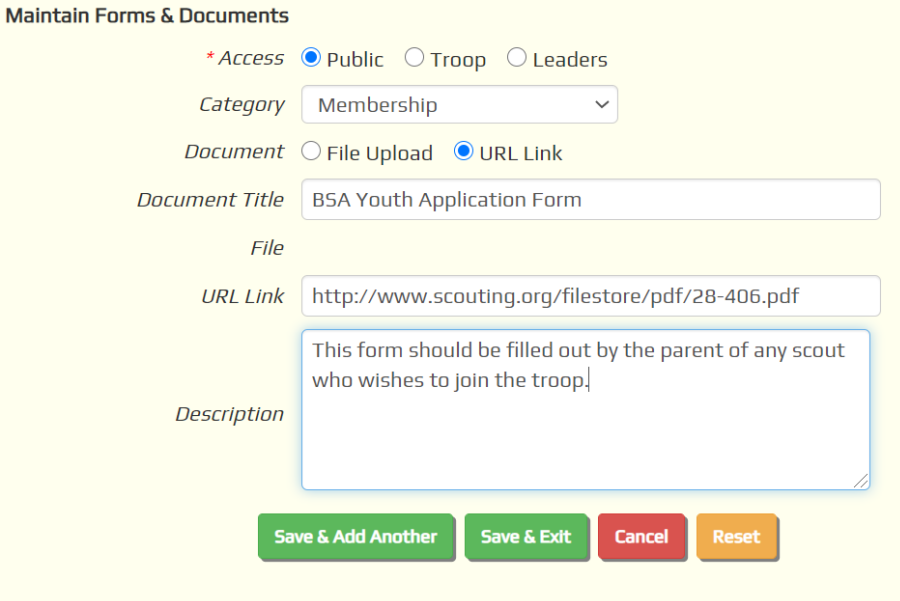
This is how you create a link to a form on another web site, like www.Scouting.org.
Whether you upload a file or create a link, be sure to fill in the Document Title field.
The document title is what is displayed on the Forms & Documents page.
Without a title you won't be able to access this document.
Click Save & Exit to save your work.