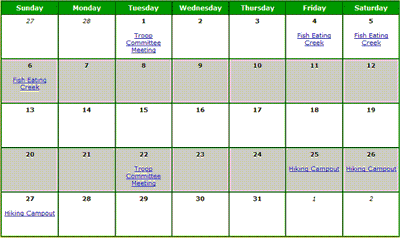
 Your Troop Calendar is available to every member of the troop once they log on to your site.
The first step in setting up your calendar is to add the Event Locations that your troop commonly uses.
You can then Add Events to your calendar.
Events that occur on a regular basis, like weekly troop meetings, can be produced automatically using the Copy An Event feature.
Once the event has been created, you can send an iCalendar E-Mail Invitation to each member of your troop. If they accept the invitation it will be added to their personal calendar.
You can configure the system to automatically send reminders to your troop prior to an event.
Scouts and adults can sign up for events from the My Stuff menu. You can update any member's sign-up status from the Sign Up Members page.
You can record the final roster of who attended an event when you Take Attendance.
A number of reports are available to show information about a specific event, as well as overall event participation.